Quiz app for school, study, fun or a professional tool
Our grandparents discovered quizzes through the radio, our parents had “Leave It or Double?”, we had “Who Wants to Be a Millionaire”—and what if our kids could use a platform to learn with “Who Wants to Be a Millionaire”-style quizzes?
There is a small but powerful server called Razzia that we can install at home with a small docker compose, but that can be a big help with teaching and with preparing for all those exams that have a multiple-choice structure.
Razzia can easily be used in schools of every level and grade, but also at home as a server to have fun with friends, prepare for an IT certification exam, test the little ones with simple questions, and do all this in a more relaxed way.
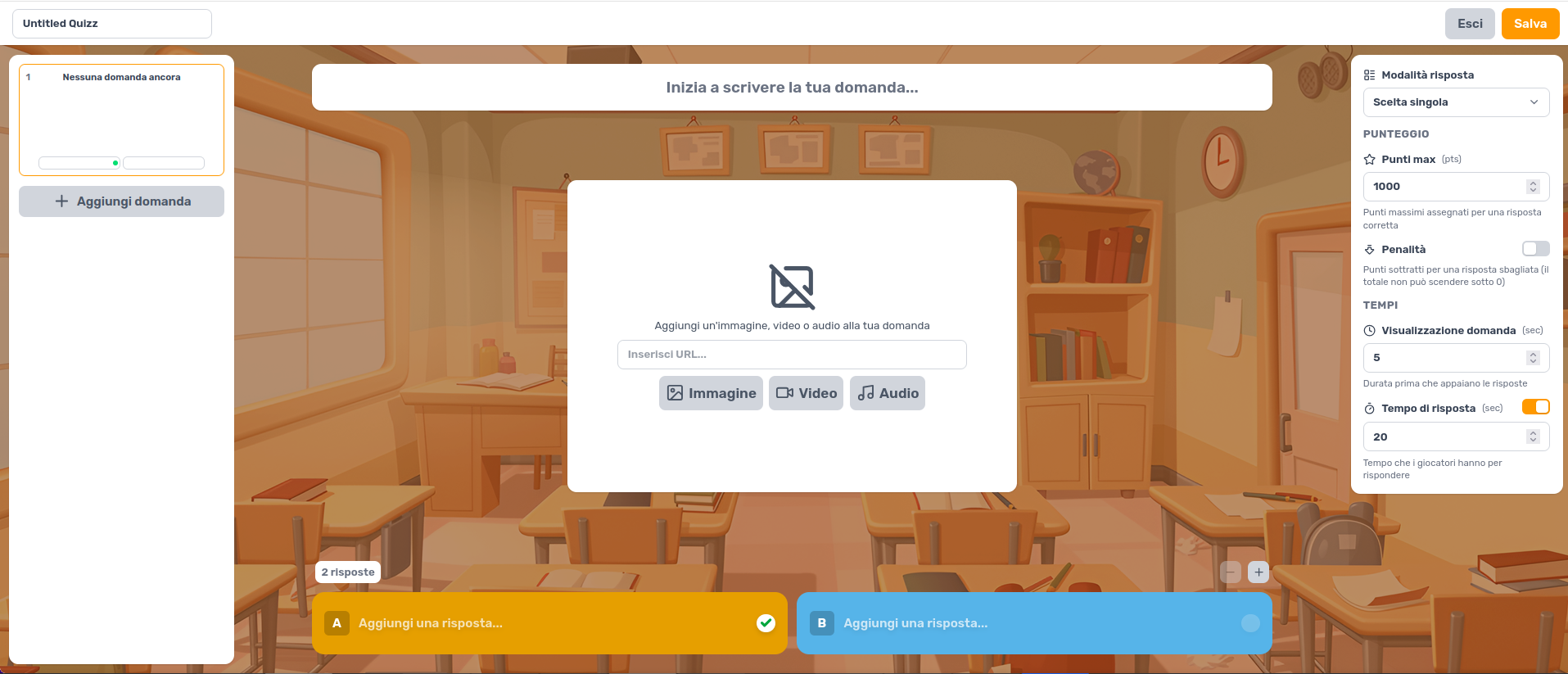
The Web app basically consists of two parts
1. Server Manager
2. Web Server to play
The first thing to do, as you can see from the image above, is to create the content; you can do it with your imagination or get help from AI, which for once comes in handy to create the files needed to make the app work.
You can add Images, Audio and Video, choose the display time and the time limit to answer, simulating a real exam test; you can add penalties such as “deduct points for each wrong answer”, all of this from the screen you see above.
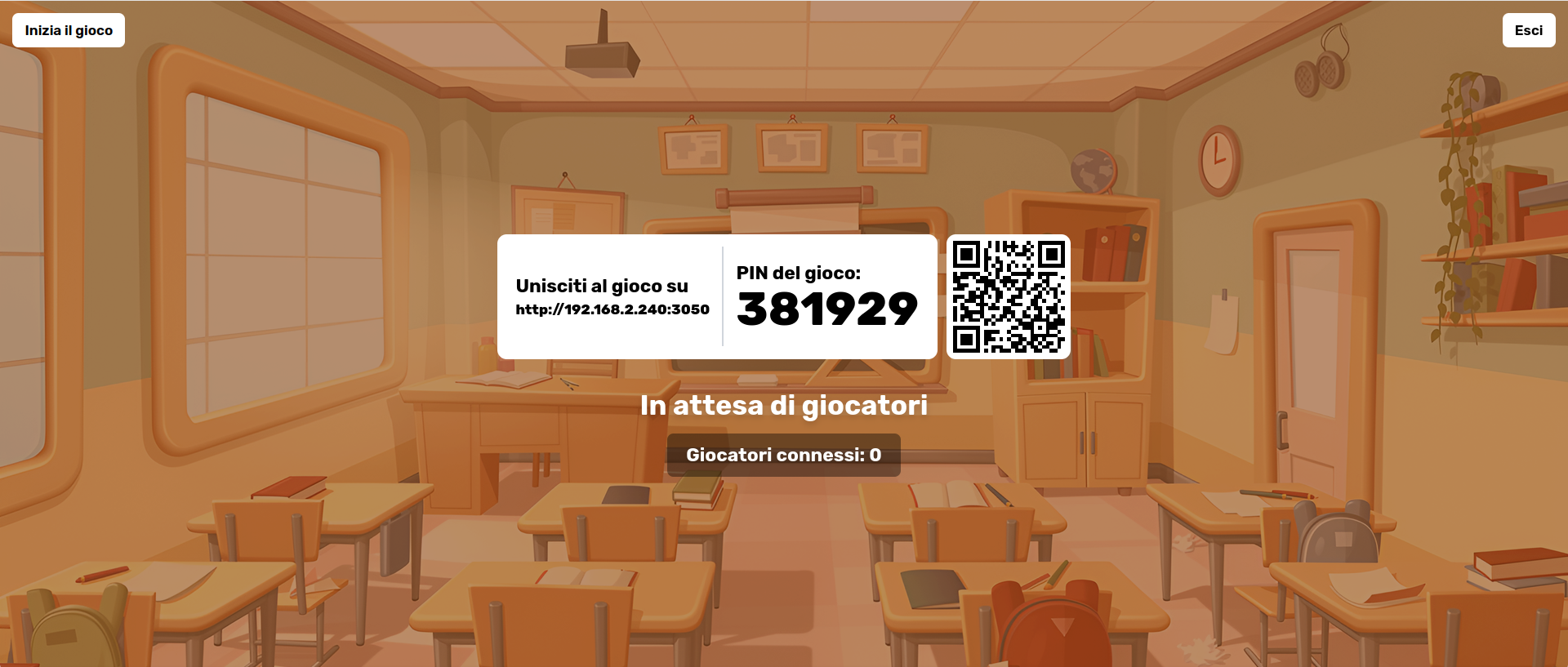
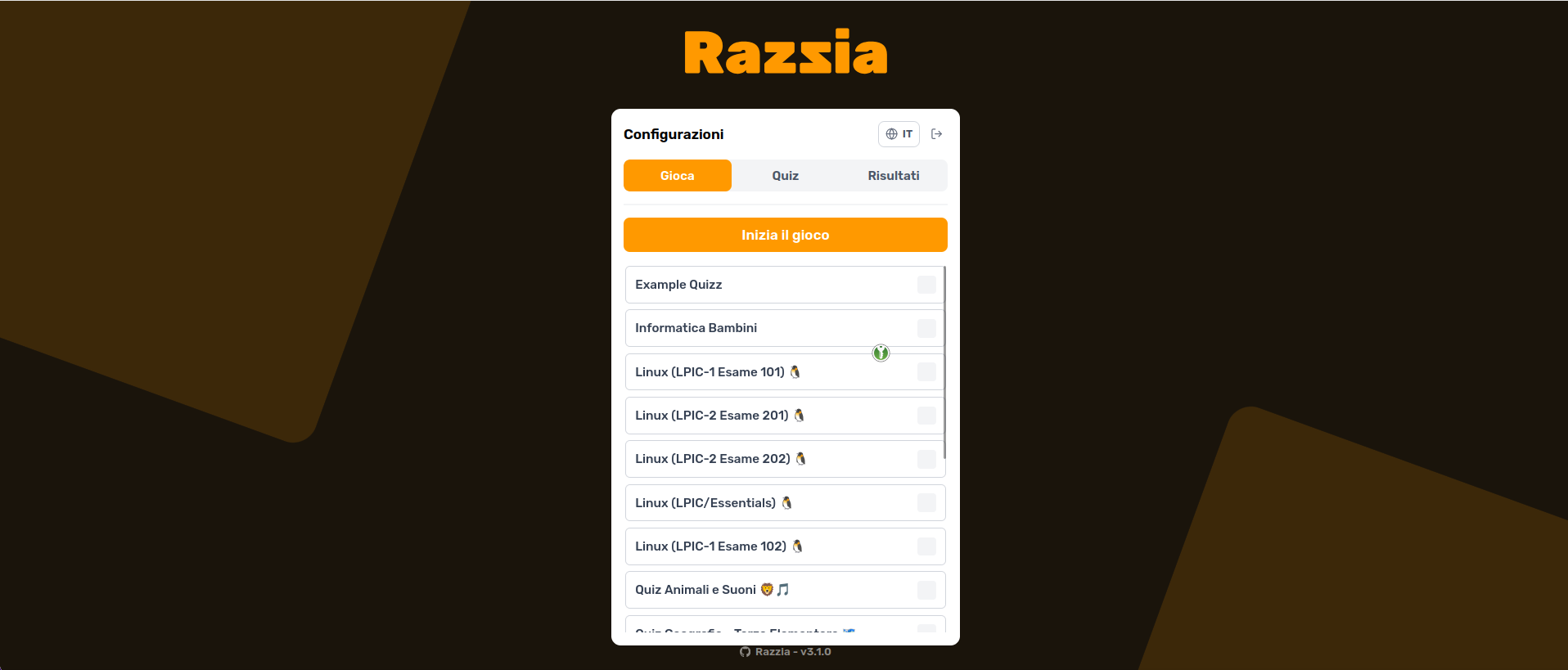
Once you have saved your file, what you need to do is select it from the list and click “Start the Game”. At this point the screen you see above will appear, where you can copy the connection IP and enter the code, or scan with a QR code and play from your phone.
Important to say is that you must be on the same network, so WIFI or LAN.
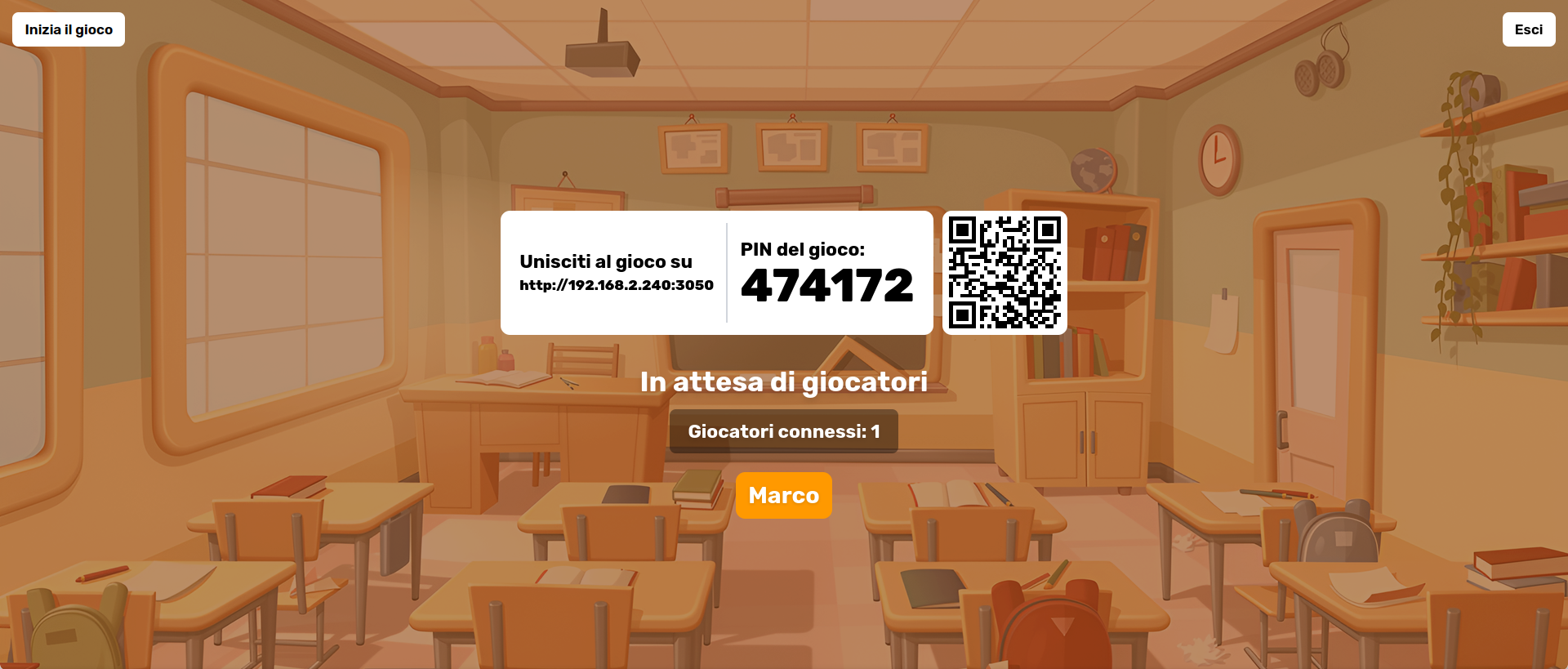
At this point the app will ask you for a name to enter and on the server you will see your name and those of other users appear; as soon as everyone has connected, whoever is managing the server at that moment will start the game and will necessarily have to move the questions forward (the only flaw, in my opinion, of the program).
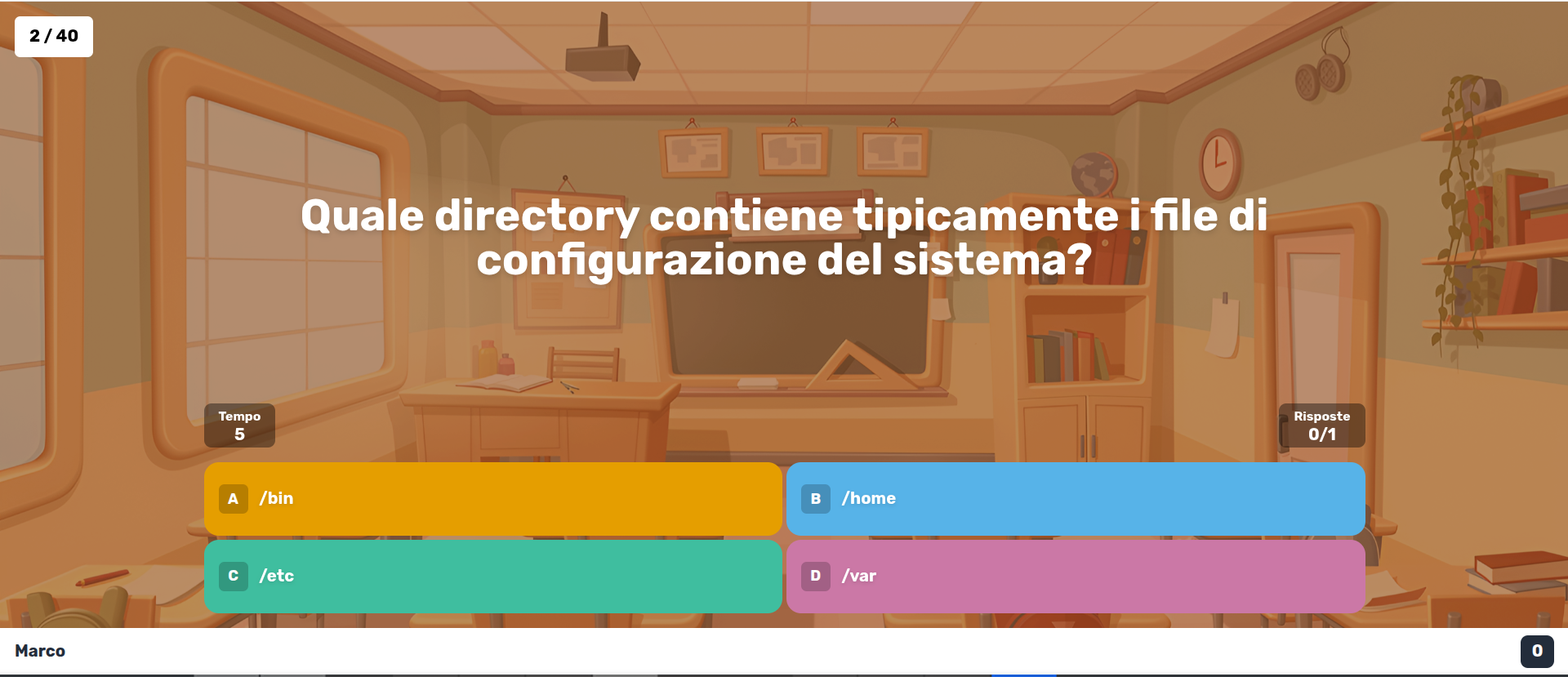
As you can see from the image above, this is the typical screen with the question and the 4 answers. We can make quizzes with up to 2 selections if we want, but beyond that we can’t add any more answers.
At the end we’ll have our score and we’ll be able to access our performance and that of our friends or challengers, whoever they may be.
In Conclusion
The Razzia app is really well polished, and to think that just a few minutes are enough to set it up and be able to use it for studying, school, or play.
"If you’re looking for a self-hosted alternative to Kahoot! that doesn’t require accounts, subscriptions, or cloud, Razzia is probably the simplest choice"
"Installation is a simple docker compose up -d — you’ll find everything at github.com/Ralex91/Razzia."