With the Matrix server, you decide who to share with and what to publish.
Always looking for something independent from centralized platforms I tried various systems SimplexChat (but I have doubts about the backers), Signal (rumors say it’s run by secret services and in any case it requires a phone to identify you), Session (good experience even if short on funds and it might shut down). I wanted to understand more about the Matrix network.
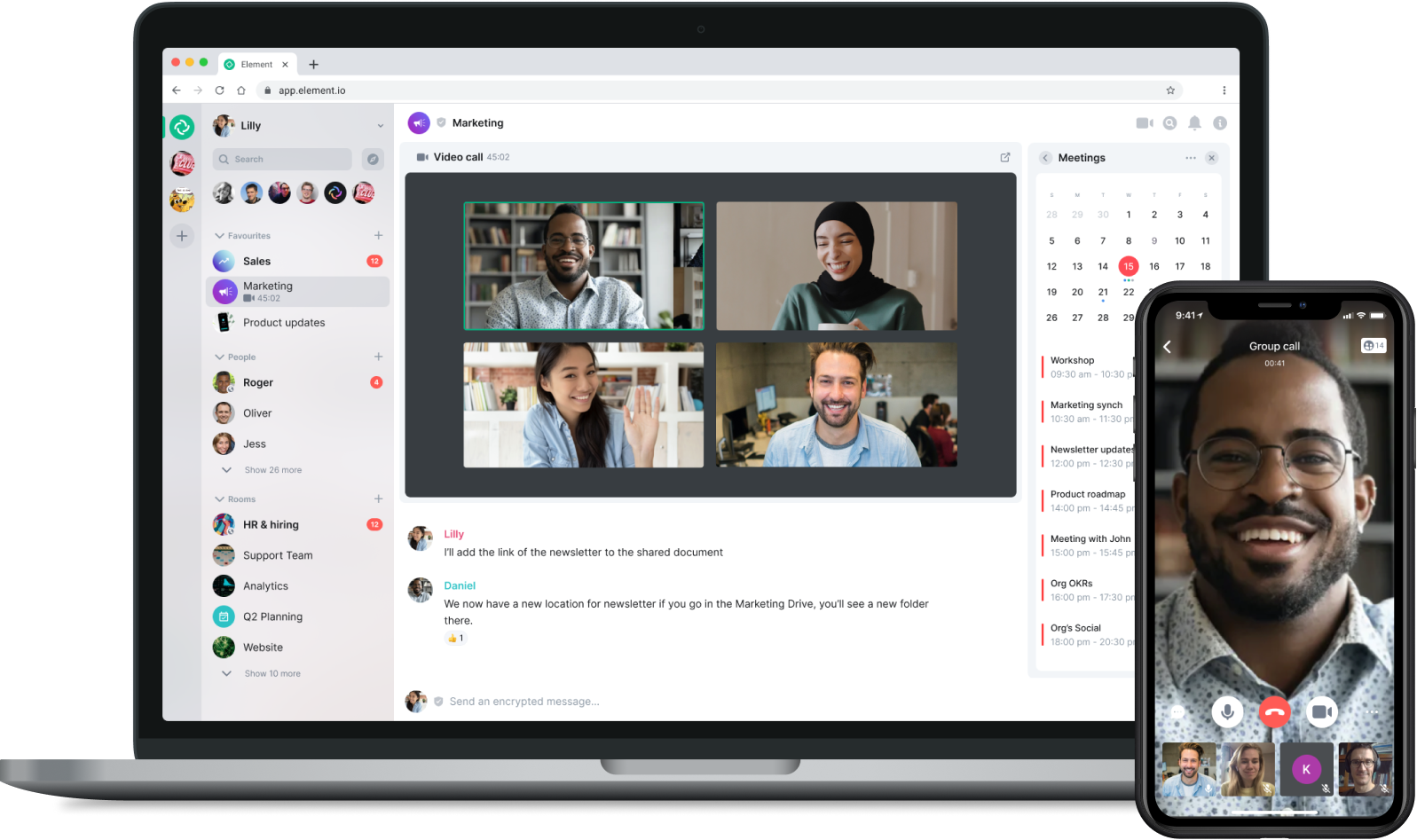
Matrix is a decentralized open source protocol that allows anyone to start their own server via Docker and then use the server with a client; the best known is element which lets us have a private chat encrypted from the start, encrypted video calls, and files that stay on our server without being shared with others unless we want to.
It’s also possible, through a bridge, to communicate with other proprietary platforms like Telegram and Whatsapp, but this is a risk for the security and integrity of the server so I don’t recommend this option.
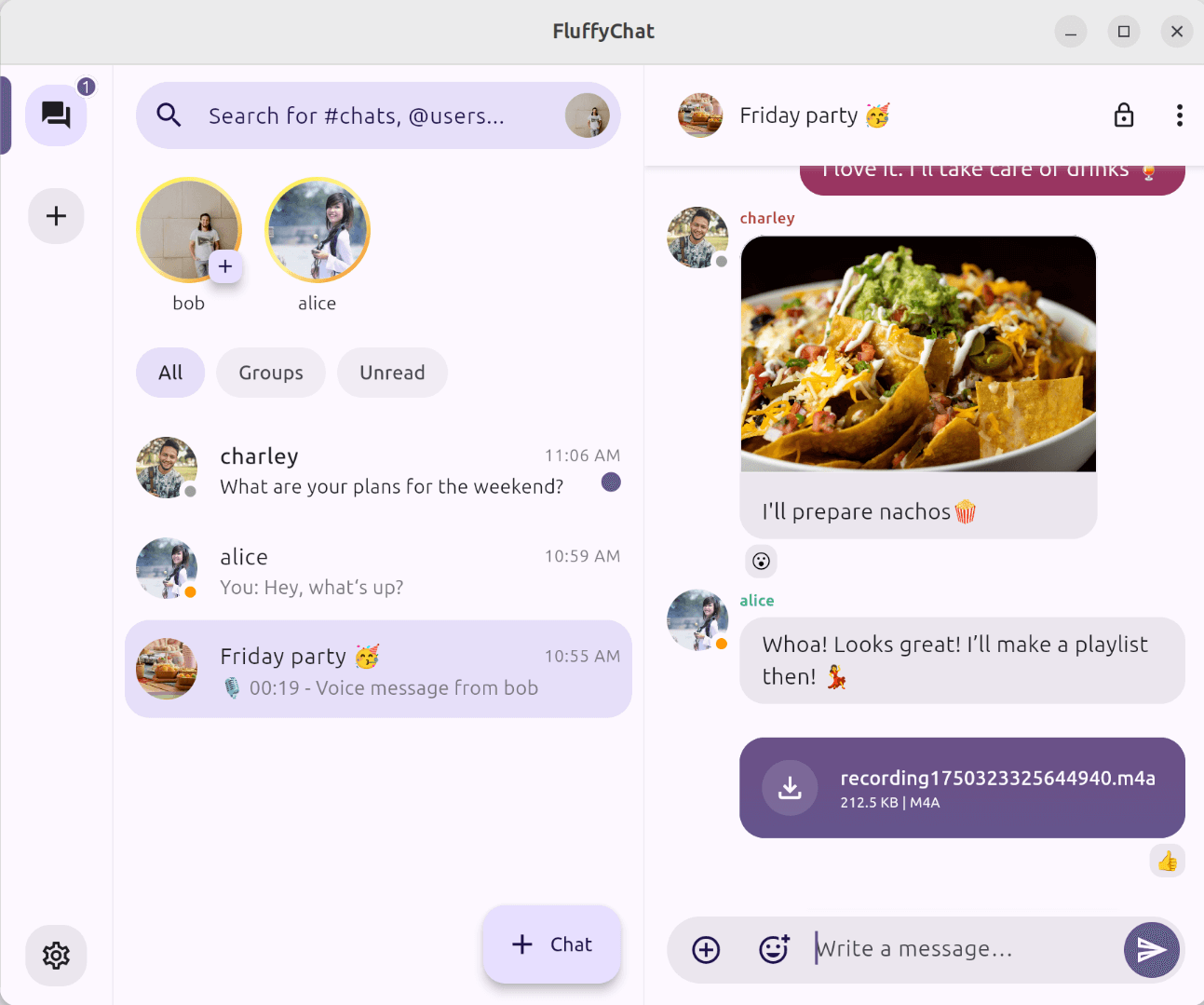
There are several clients to use our Matrix server such as Element (the most famous), Fluffy chat (minimal but powerful chat), SchildiChat, Cinny in short there are many for every taste both for android and for Linux, Mac or Windows.
How can we install a _Matrix server? What do we need?
To install a matrix server we need the following things:
1. Cloud or local server managed by us, you can find good deals on OVH cloud
2. A domain to use a matrix chat (you can always use OVH)
3. Install Docker and Docker compose
4. Install a mobile client
To get a docker compose you can also use an AI that will create the file and guide you step by step, just ask the AI “Create a docker compose for a simple matrix server but with high privacy standards and do it with a caddy server”
Most likely the AI will generate a file similar to the code below WARNING the file below is not complete and there are other things to consider, if you want you can simplify by using conduit even if it’s not the best it lets you simplify the configuration.
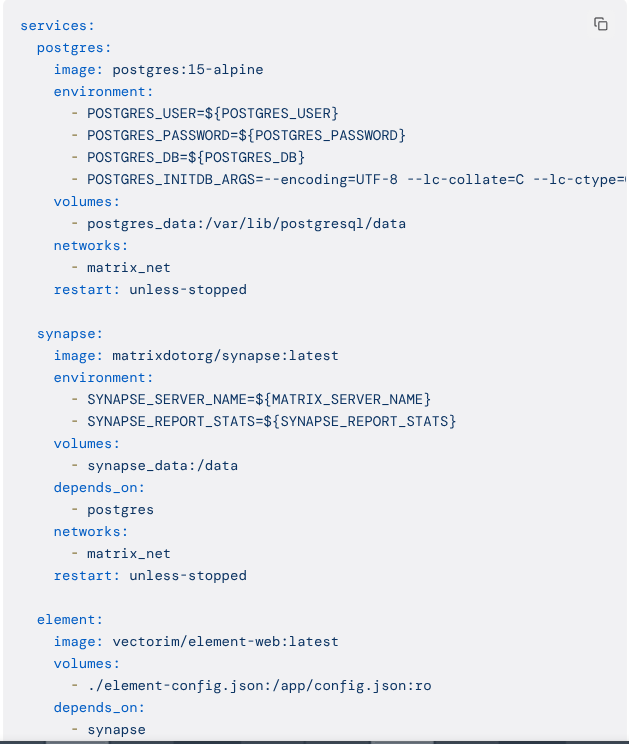
I can already imagine someone might turn up their nose at seeing this code, but I assure you that with a bit of patience and a bit of desire to learn it isn’t hard to create these servers which, on one hand, build awareness of how the centralized servers we all use every day are made, and how easy it is to replace everything with little effort without having to pay with our money or with our data in order to use them….