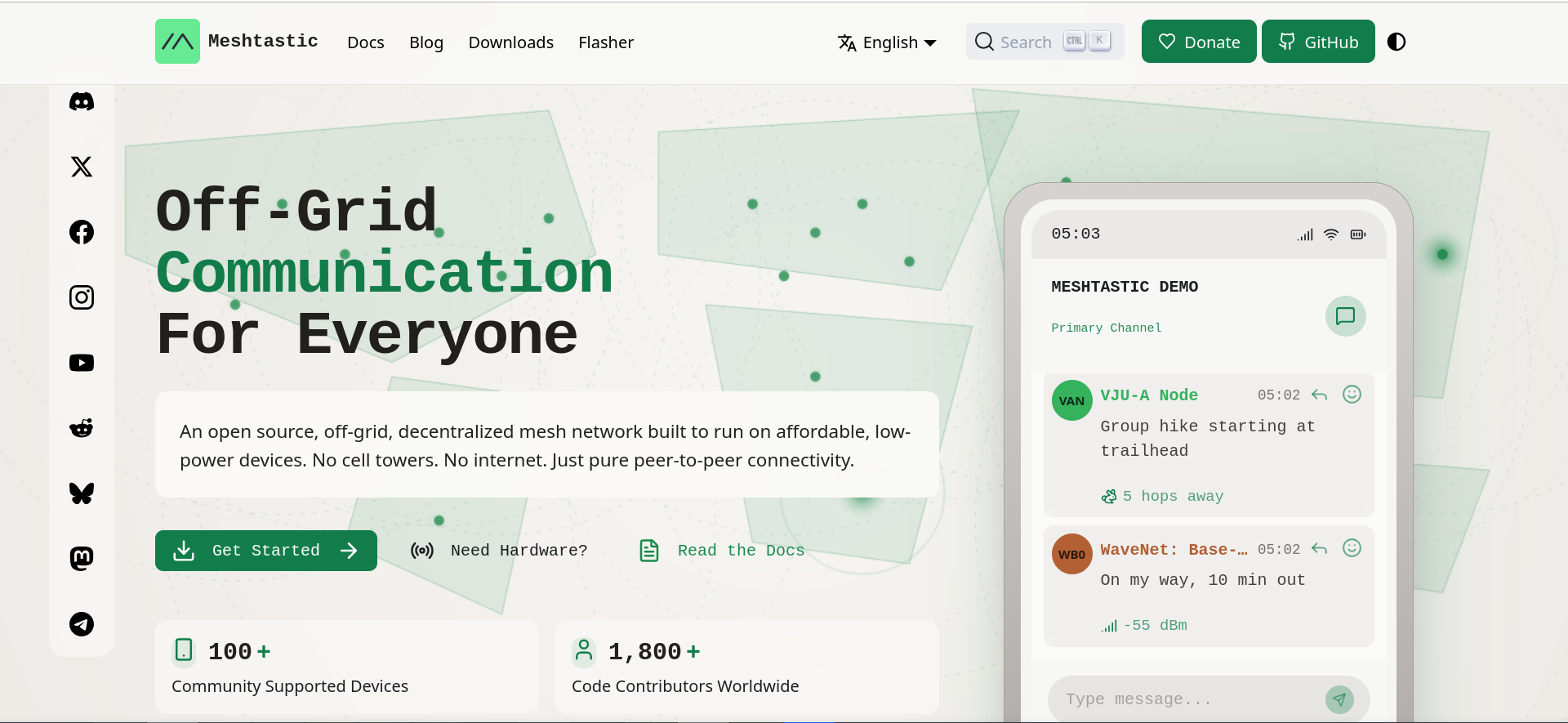
Meshtastic the network that doesn’t use the internet and enables encrypted, uncensored communications.
For some time now I’ve been looking for alternatives to traditional communications that aren’t controlled or censored by Governments, intelligence agencies, or BigTech.
Unfortunately the internet network, being in the hands of a few ISPs that take orders from absolutely non-democratic Governments, can literally be switched off, simulating an attack, and all of us who use it are at the mercy of this danger.
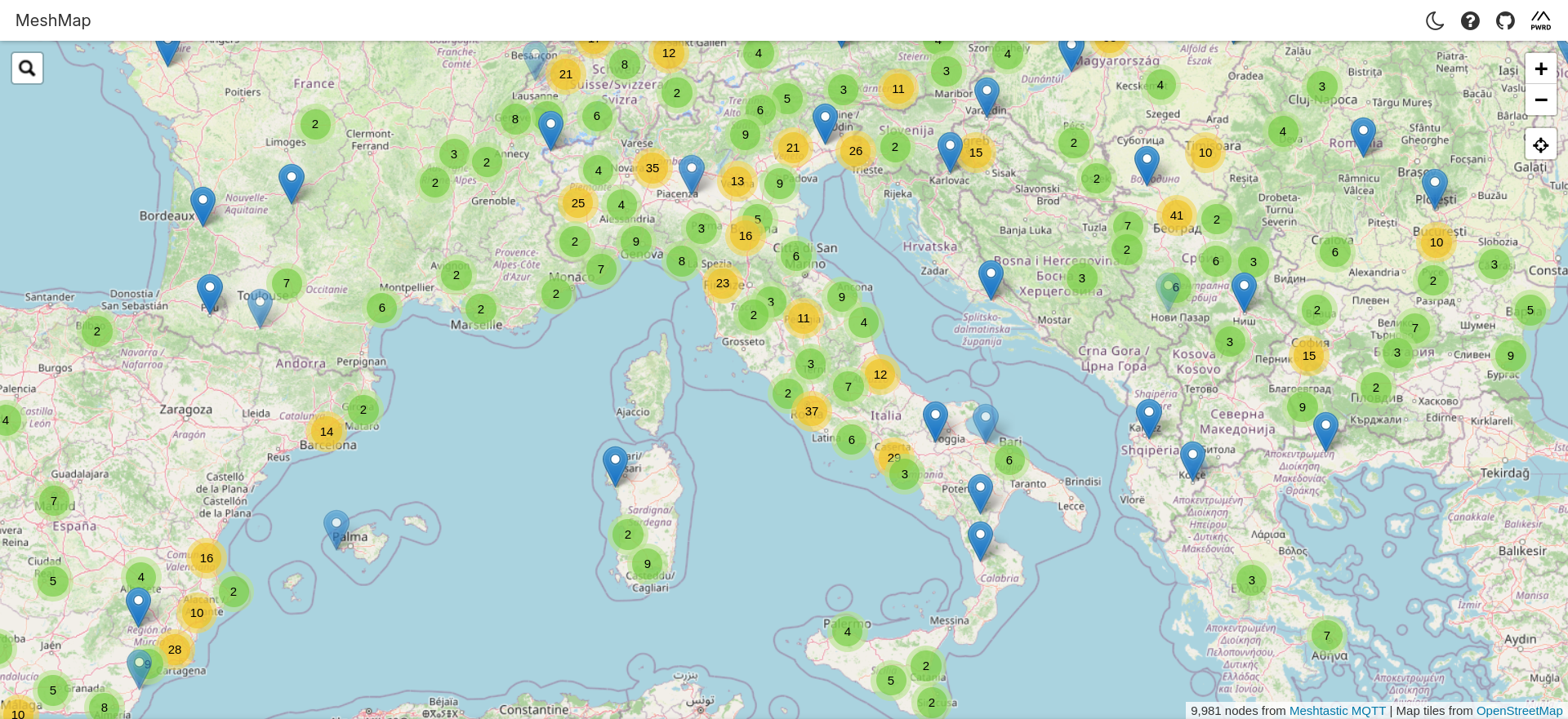
There is however an alternative that uses a radio network which in Europe is on the 868MHz, Lo.Ra frequency, a protocol that allows communications over long distances; on the Italian site of the Meshtastic project it even mentions 500Km.
This network is made up of nodes, small low-power antennas that are used to send SOS in case of trouble in the mountains or during natural (or unnatural) disasters.
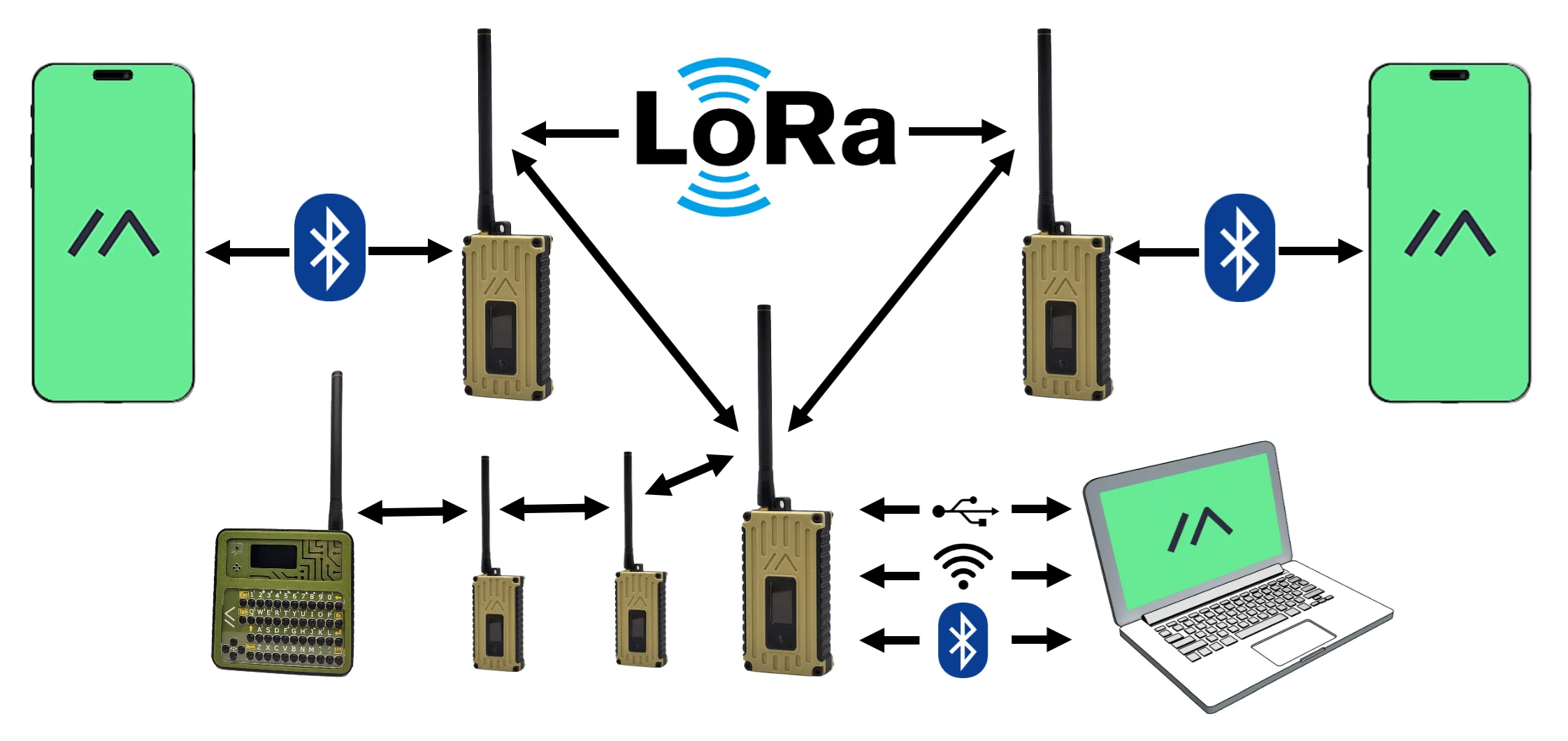
The infrastructure is very simple: a very small radio can cover long distances and mesh with other radios that relay radio communications; you don’t need an amateur radio license to use it because the frequency is free.
Communications are secured by 128 or 256 AES encryption as shown in the diagram below; each transmitter/receiver can be connected via Bluetooth without needing an active internet connection, communicating on the 868MHz frequency, allowing you to send text-only messages or at most emojis, but not photos or videos like in normal chats, because the network would get saturated and it’s designed only for emergencies.
However, it is possible to share GPS location.
How does it work in practice?
What we need is:
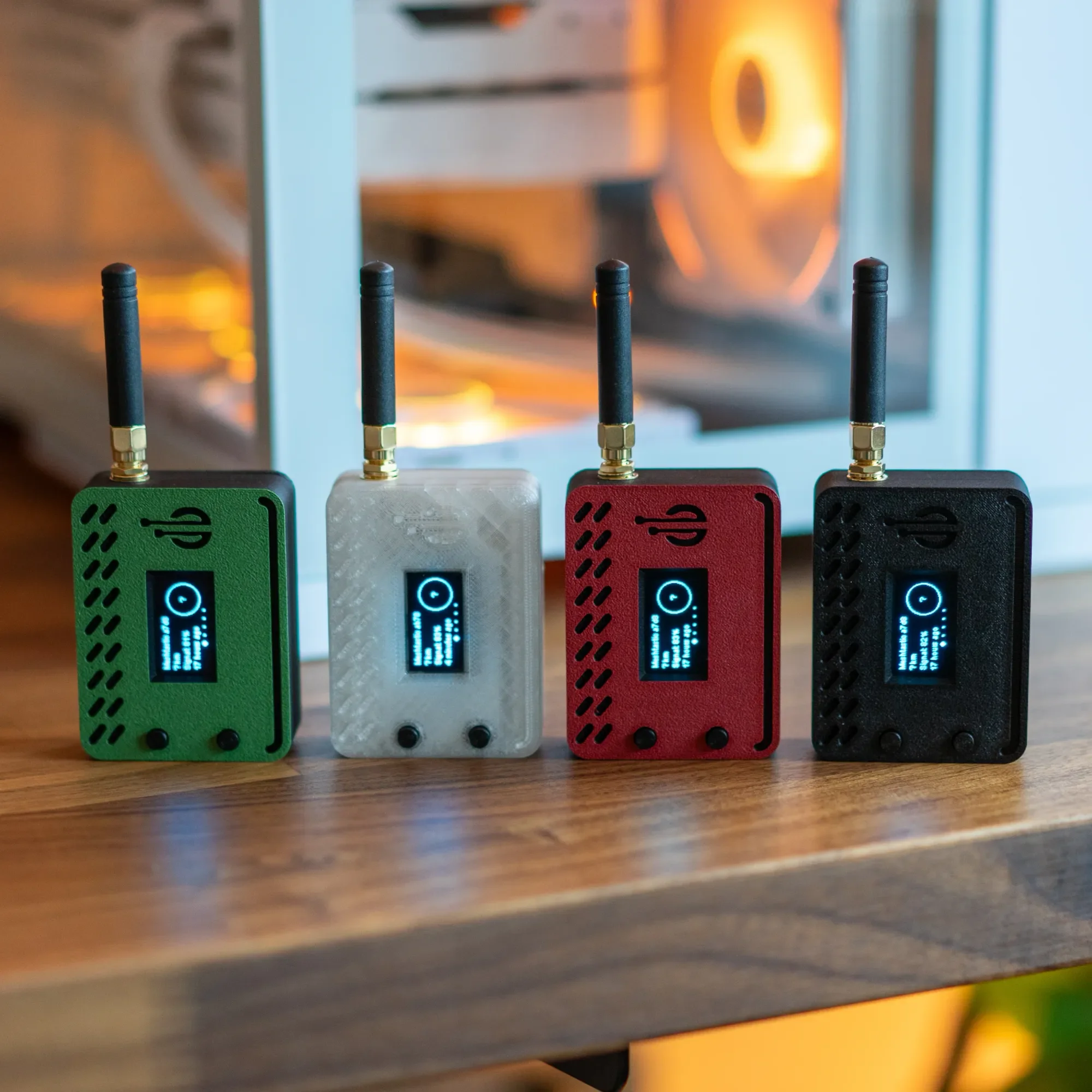
1. Kit with radio, battery, case and antenna: you can buy everything on Amazon
2. Mobile app for the Meshtastic network
3. Website from which to download the firmware needed to use the radios
Once you buy the Kit it is very easy to assemble even if it may seem complex, we only need to make 2 connections:
Connect the antenna cable to the board
Connect the battery
Warning!!! The cables are very delicate use extreme care
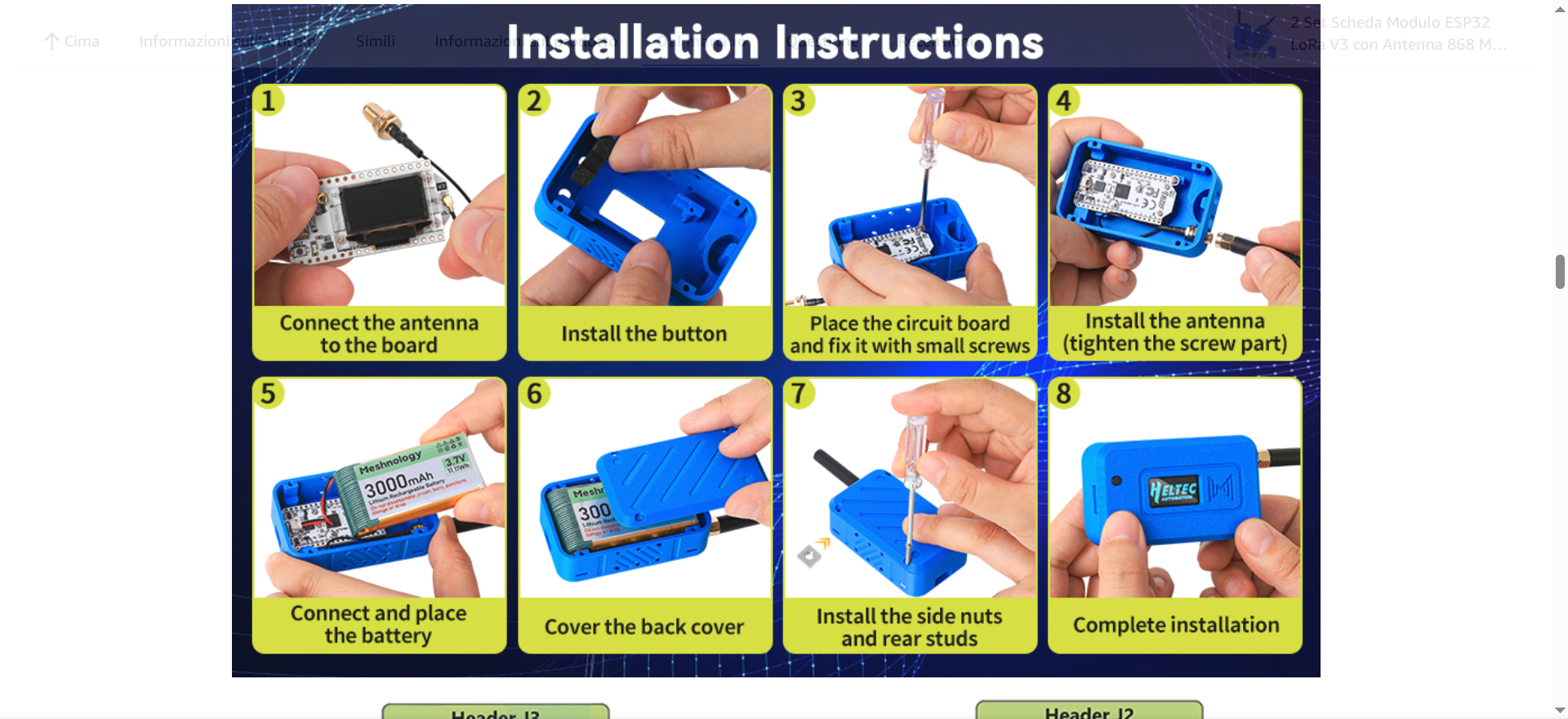
Once the radio is assembled and you’ve checked that the display shows it’s working, the second step is to install the app on the phone, which we’ll use only after installing the firmware.
So let’s go to the website and connect our radio to the PC with a mobile data cable.
WARNING!!! On Linux the device recognition drivers are already present; on other operating systems they aren’t, so you’ll need to download and install them.
Another important thing: there’s a tool on the site that auto-detects the firmware version—don’t use it because it detects the wrong one. Remember, if you decide to buy the one I got, you must choose the Heltec V3 otherwise the radio won’t work properly.
As always, the more this network spreads, the more we can free ourselves from the authoritarian grip the European Community is taking. Resistance!!!!!!!!!!